

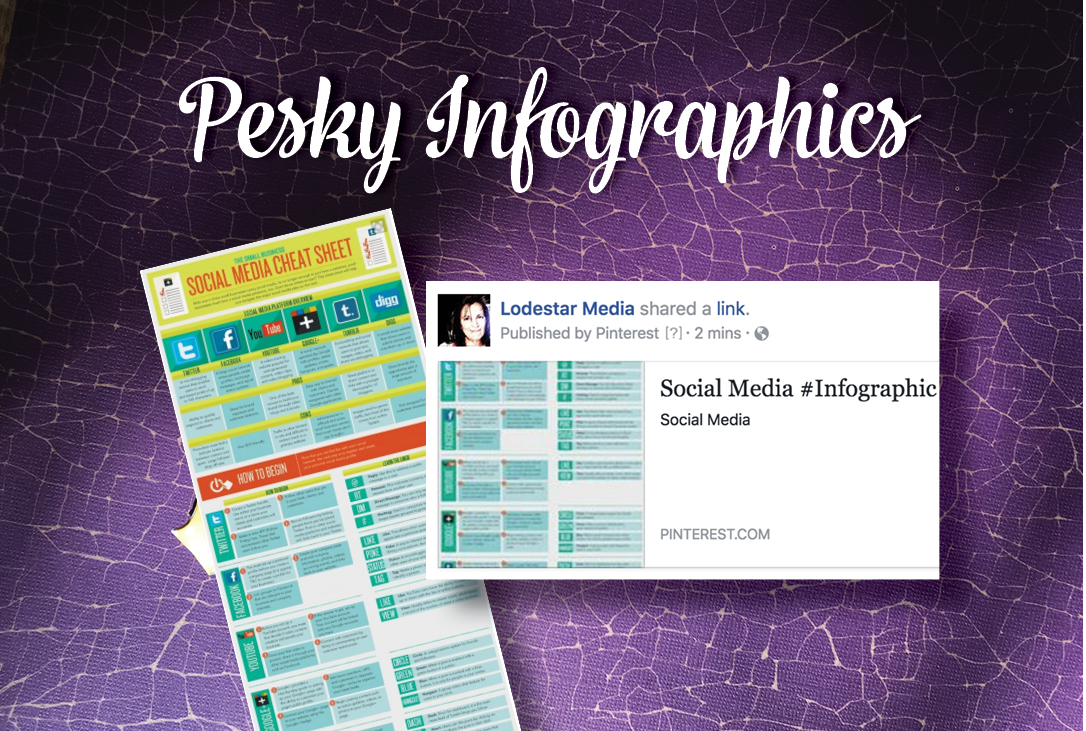
The best thing to do is post your infographic within your blog article. Because of the long, narrow format of an infographic, it needs a long, narrow space to do it justice.
[fusion_builder_container hundred_percent=”yes” overflow=”visible”][fusion_builder_row][fusion_builder_column type=”1_1″ background_position=”left top” background_color=”” border_size=”” border_color=”” border_style=”solid” spacing=”yes” background_image=”” background_repeat=”no-repeat” padding=”” margin_top=”0px” margin_bottom=”0px” class=”” id=”” animation_type=”” animation_speed=”0.3″ animation_direction=”left” hide_on_mobile=”no” center_content=”no” min_height=”none”]

Click to view full image
Take a screen capture of a portion of your infographic—something intriguing that will make the reader want to click to see all of it—and use that image on Facebook. If you post the full infographic directly to Facebook it will crop it to show the middle.[/fusion_builder_column][/fusion_builder_row][/fusion_builder_container]